
What Is Claude AI and What Can You Do With It?
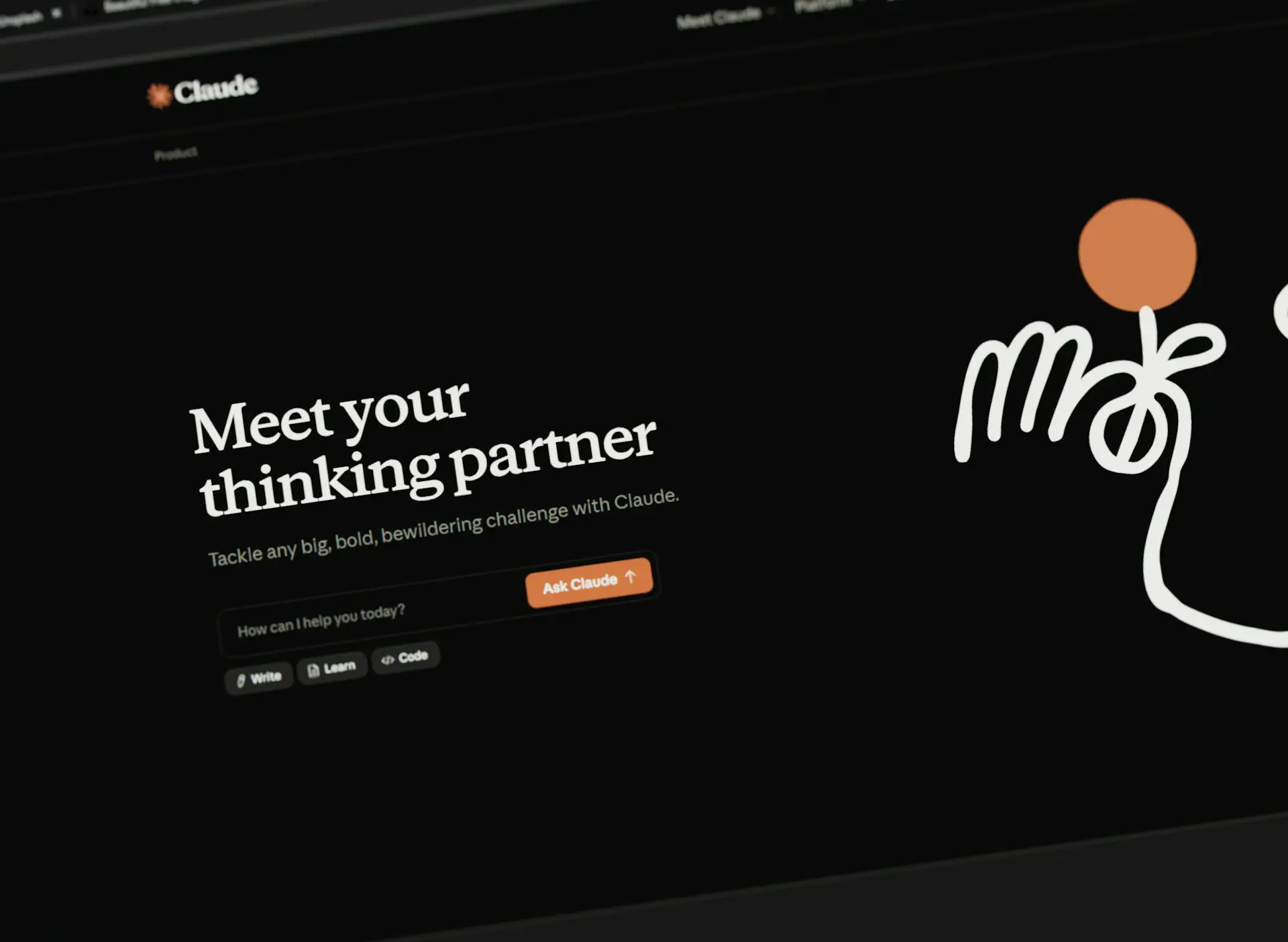
Claude AI is an artificial intelligence assistant developed by Anthropic. You can use it to write and edit text, explain unfamiliar topics, summarize documents, analyze images, help with code, and research questions using web search.
Getting started is straightforward: describe what you need in ordinary language. You might ask Claude to improve an email, explain a confusing report, or help you understand an error message. You can then ask follow-up questions to make the response more useful.
As someone who works with websites and online content, I look at AI tools in practical terms: can they help explain a problem, improve a draft, or make information easier to understand? Those are the uses I focus on in this guide.
What Is Claude AI?
Claude is powered by large language models, or LLMs. These AI models generate responses to the questions and instructions you provide. Anthropic uses the Claude name for its models and its assistant, which is available through a web browser, desktop apps, and mobile apps.
As Anthropic’s getting-started guide explains, the message you send is called a prompt. A prompt can be a simple question or a detailed request with background information, attached material, and formatting instructions.
You do not need programming experience to use the assistant. Developers can also access Claude through an API to build AI capabilities into software.
How Does Claude Work?
At a practical level, using Claude is a conversation. You give it a task, review its response, and provide more direction when needed. Depending on the features available, it can also use uploaded files, web search, and connected tools to help complete a request.
For example, you could provide a draft email and ask for a shorter version. If the result sounds too formal, you can ask for a warmer tone while keeping the original meaning.
The response depends on the information Claude can access and how well it interprets your request. A confident answer is not proof that every detail is correct.
What Can You Do With Claude AI?
Write and Improve Everyday Content
Claude can help with emails, article drafts, explanations, and other writing tasks. Anthropic’s overview of Claude’s capabilities includes writing, summarizing, brainstorming, and translation.
For an existing draft, a useful prompt is: “Rewrite this email so it is clear, friendly, and under 150 words. Keep the original meaning and do not add promises.”
Give it the audience, purpose, and tone you want. Before using the result, check that it preserves your meaning and does not introduce unsupported claims.
Summarize Documents and Find Specific Information
Claude accepts supported document uploads, including PDFs, Word documents, and CSV files. You can ask questions about their contents or request a summary focused on a particular topic.
Instead of asking only for a summary, try: “Read this report and identify the main findings, the evidence supporting them, and any limitations mentioned. Include page references where possible.”
This gives you a clearer path back to the source. Check important findings in the original document, particularly when details will affect a decision.
Understand Screenshots, Images, and Charts
Claude can interpret supported image uploads, including screenshots and charts. For example, you could provide a screenshot of an error message and ask what it means.
Use an image with readable text and labels. File processing has limits: Anthropic’s upload guidance explains that visual content is handled differently depending on the document format and length. An uploaded document does not guarantee that every embedded image will be analyzed.
Learn About Unfamiliar Topics
You can ask Claude to explain a concept at your level, give an example, or help you practice. This can be useful when an explanation assumes knowledge you do not yet have.
For instance: “Explain how cloud storage works for someone with no technical background. Use one everyday example, then ask me a question to check my understanding.”
For studying, compare important explanations with your course materials or other reliable references. Follow your school’s rules for AI use.
Get Coding Help
Claude can explain code, suggest changes, and help investigate errors. Providing the relevant code, the error message, and the behavior you expected gives it a more useful starting point.
Anthropic also offers Claude Code, a coding tool that can read a codebase, edit files, and run commands in supported development environments.
When I developed my custom WordPress portfolio theme, AI-assisted coding helped with troubleshooting and revisions, while I handled the setup, design, testing, and implementation. That experience is why I recommend asking for an explanation of a suggested change and testing it before using it on a live website.
Create Documents and Small Interactive Tools
Claude Artifacts let you work with content alongside the conversation. They can include documents, designs, single-page websites, and small interactive tools.
You might ask for a reading tracker, a study quiz, or a simple calculator, then request changes as you inspect the result.
Claude can also generate downloadable files, including Word documents, Excel spreadsheets, PowerPoint presentations, and PDFs, through its file creation capabilities. Check the finished file’s content, layout, and calculations before relying on it.
Research Questions With Web Search
Claude supports web search with source citations. This allows it to bring current online information into a response, which matters for changing topics such as software features.
A useful request is: “Search the developer’s official documentation for this feature. Explain what it does and link to the relevant sources.”
Open those sources to verify important claims. Citations make an answer easier to check, but Claude can still misinterpret a page or leave out context.
What Are Claude Projects?
Claude Projects help organize ongoing work using related conversations, files, and instructions. They let you provide background material for a topic or task.
For example, a project could contain reference documents and writing guidelines for a report. Keep those materials current and check that generated content follows them. Project interfaces and capabilities can vary as updates roll out.
Is Claude AI Free?
Claude has a free plan with usage limits. Anthropic also offers paid individual and business plans with different feature access and usage allowances. Its official pricing page provides the current details.
Usage depends on factors such as the model, conversation length, attached material, and features used. There is no fixed message count that covers every task.
The free plan provides a starting point for trying everyday tasks. Before paying, identify whether you need a particular paid feature or regularly reach a limit while doing useful work.
How to Get Better Results From Claude
A useful prompt explains the outcome, provides relevant context, and describes the format you need. State any boundaries that matter.
For example: “Using only the attached product information, write a 200-word explanation for first-time buyers. Use plain English, explain unfamiliar terms, and flag anything the document does not answer. Do not invent prices or guarantees.”
Review the response and give specific feedback. Asking for a clearer example or identifying a misunderstood detail gives the next response more direction than simply asking it to try again.
What Are Claude AI’s Limitations?
Claude can produce incorrect or misleading answers, including unsupported statements and invented quotations. Anthropic acknowledges these errors, often called hallucinations, in its guidance on inaccurate responses.
Its built-in knowledge can be incomplete or outdated. Web search helps it access newer material, but it does not guarantee a correct interpretation.
For anything published under my name, I want to be able to trace important claims back to a reliable source. My advice is to check facts, dates, quotations, and calculations, compare document summaries with the originals, and test generated code. A polished answer still needs that review.
What Should You Know About Privacy?
Review your privacy settings before uploading personal or confidential information. Anthropic’s consumer data policy explains when chats and coding sessions may be used to improve Claude, along with separate handling for submitted feedback and safety reviews.
Anthropic’s commercial data policy states that commercial inputs and outputs are not used for model training by default, with exceptions such as explicit permission and submitted feedback.
For work-related use, follow your organization’s rules and share only information you are authorized to provide.
Is Claude AI Worth Trying?
Claude offers several approachable starting points: improving an email, explaining a concept, summarizing a document, or helping with a coding question. You can describe the task conversationally and refine the response through follow-up requests.
Start with a small task you understand well enough to evaluate. Provide useful source material, explain what a good result should include, and check the output. That will help you decide where Claude fits into your work or learning.
Sources checked against Anthropic’s official documentation on October 18, 2026. Features, pricing, and usage limits may change.
About the Author: Kenny
Kenny is a WordPress developer, SEO specialist, and content writer with around seven years of experience in website management and digital publishing. His work includes building and maintaining websites, troubleshooting technical issues, and writing and editing online content. At TopKernel, he writes beginner-friendly guides about software, AI tools, and everyday technology.
Related posts

What Is Google Playground? A Beginner’s Guide to Google’s AI Game Creator
Google Playground is an experimental platform that lets you create, play, and share games using text prompts. Google announced Playground on October 7, 2026, with…

What Is ChatGPT and How Does It Work? A Beginner’s Guide
ChatGPT is an AI assistant from OpenAI that responds to questions and instructions in everyday language. You can use it to explain a topic, brainstorm…